
How AI Integration Makes Apps Feel More Human and Friendly
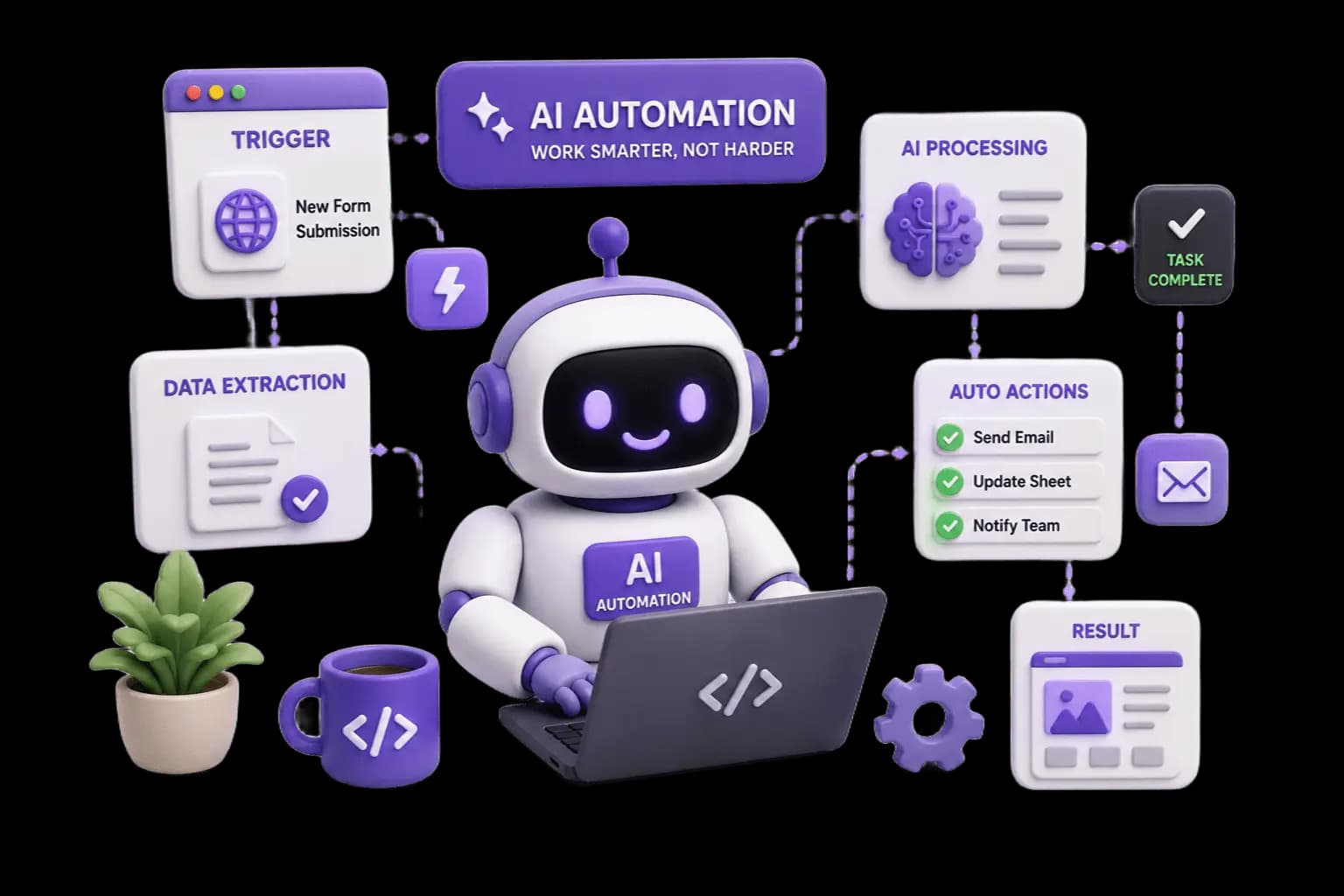
AI isn't just about automation anymore — it's about making software feel like it understands you. Here's how thoughtful AI integration transforms cold, transactional apps into experiences that feel personal and intuitive.
For years, software has felt like a set of rigid instructions—click here, fill this form, wait for a response. Users adapted to apps, not the other way around. AI integration is flipping that relationship, and the apps that get it right feel less like tools and more like assistants that actually understand what you need.
Why "Friendly" Matters More Than "Smart"
A lot of businesses chase AI because it sounds impressive on a pitch deck. But the real value isn't in the technology itself—it's in how invisible it becomes to the user. The best AI-powered features don't announce themselves. They just make the experience smoother.
Think about the difference between a chatbot that makes you repeat your issue three times, versus one that remembers your last conversation and picks up right where you left off. That's the gap between AI as a gimmick and AI as genuine value.
Where AI Actually Improves User Experience
1. Conversational Support Instead of Rigid Forms
Traditional support flows force users into predefined categories. AI-powered chat interfaces let people describe their problem in their own words—and get relevant answers instantly, any time of day.
2. Personalization That Feels Natural
Recommendation engines, smart search, and adaptive content aren't new ideas, but AI models make them dramatically more accurate. Instead of generic suggestions, users see content and options that actually match their behavior and intent.
3. Reducing Friction in Repetitive Tasks
Auto-filling forms, summarizing long documents, generating first drafts of emails or descriptions—these small automations save minutes that add up to hours. Users notice when an app respects their time.
4. Natural Language as the New UI
Instead of navigating five menus to find a setting, users can simply type or speak what they want. This is especially powerful for onboarding new users who don't want to learn a complex interface just to get started.
5. Proactive Assistance, Not Just Reactive Answers
The next step beyond chatbots is AI that notices patterns and offers help before being asked—flagging an unusual transaction, suggesting a next step in a workflow, or catching an error before it becomes a problem.
Getting Integration Right: A Few Principles
- Start with a real user pain point, not a feature checklist: AI should solve something people already struggle with.
- Keep humans in the loop for anything high-stakes: AI should assist decisions, not silently make them for critical actions.
- Design for trust: Users should always know when they're interacting with AI, and have an easy way to reach a human if needed.
- Iterate based on real usage: AI features improve fastest when you're watching how people actually use them, not just how you imagined they would.
The Bigger Picture
AI integration done well doesn't make an app feel more "technical"—it makes it feel more considerate. It reduces the number of steps between a user having a need and getting it met. That's the real definition of a friendly app: one that adapts to the person using it, instead of asking the person to adapt to it.
As more businesses adopt AI, the ones that win user trust won't be the ones with the flashiest features—they'll be the ones where AI quietly does its job so well that users barely notice it's there at all.