
Practical Modern Web Development: Fast, Accessible Interfaces
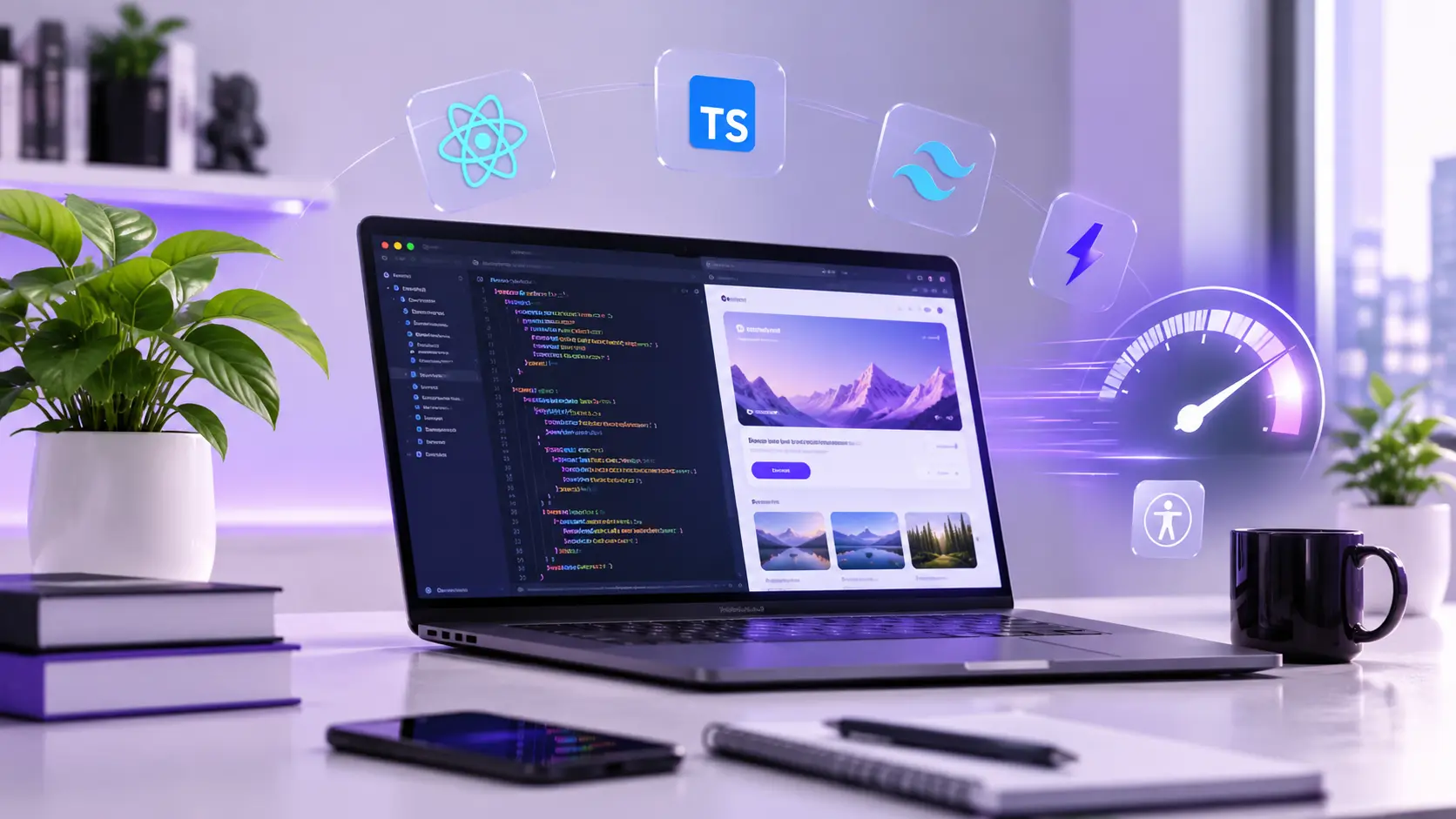
Learn practical web development techniques to build fast, accessible interfaces that boost usability and conversions across devices with performance and modern tooling.
Introduction
In today’s digital landscape, users expect fast, accessible experiences across devices. For business owners and development teams, delivering such experiences means embracing practical approaches to modern web development. This guide shares actionable strategies to build fast, accessible interfaces that customers will trust and rely on.
Plan Before You Build
Great web development starts with a plan. Begin by defining core features, performance budgets, and accessibility goals. Create user stories that emphasize speed, keyboard navigation, screen reader compatibility, and responsive behavior. A lightweight roadmap helps teams prioritize improvements that deliver tangible business value.
Set Concrete Performance Budgets
Establish limits for page size, time to interactive, and first contentful paint. Communicate these goals to designers and developers so that every feature aligns with performance targets. Use tooling to enforce budgets during development and CI checks to prevent regressions.
Prioritize Accessibility Early
From the outset, design for inclusive experiences. Ensure semantic HTML, proper landmark roles, and meaningful focus management. This lowers future remediation costs and expands your audience without sacrificing speed.
Build for Performance
Performance is a business concern as much as a technical one. Users abandon slow sites, and search engines reward fast experiences. Focus on improvements that provide measurable gains.
Optimize Core Web Vitals
Target CLS under 0.1, LCP under 2.5 seconds, and TBT under 300 ms. Implement lazy loading for offscreen images, optimize critical requests, and minimize JavaScript execution where possible. Consider using modern image formats like AVIF or WebP for faster loading.
Code Splitting and Efficient Bundling
Split JavaScript into small, reasoned chunks so users download only what they need. Use route-based code splitting and dynamic imports. Leverage tree-shaking and avoid large monoliths that inflate payloads.
Caching and Asset Management
Leverage aggressive caching for static assets and implement cache-busting for updates. Use Content Delivery Networks (CDNs) to reduce latency and serve files close to users. Ensure proper cache-control headers and immutable assets where appropriate.
Accessibility as a Habit
Accessibility should be second nature, not an afterthought. When it’s woven into the workflow, it improves usability for all users and avoids costly fixes later.
Semantic Markup and Landmarks
Use native HTML elements for structure and navigation. Proper headings (h1–h6), lists, and landmarks enable screen readers to interpret pages logically. Avoid div-only scaffolding for critical sections.
Keyboard and Focus Management
Ensure all interactive elements are reachable with the keyboard. Provide visible focus indicators and logical focus order. When modals or overlays appear, trap focus and return it to the initiating element when closed.
Color, Contrast, and Text Sizing
Maintain sufficient contrast ratios and scalable typography. Respect user preferences for reduced motion and ensure resizable text without breaking layouts.
Responsive Design That Delivers
With a diverse device landscape, responsive design is essential. It should be resilient, accessible, and fast across breakpoints.
Fluid Grids and Flexible Media
Use relative units (rem, em, %) and CSS grid/flexbox for robust layouts. Ensure images and video scale gracefully without layout shifts that hurt CLS.
Mobile-First Thinking
Start with mobile constraints and progressively enhance for larger screens. This approach tends to produce leaner, faster experiences for all users.
Breakpoints That Make Sense
Avoid over-segmentation; choose meaningful breakpoints based on content and user behavior. Test across devices to ensure consistent experiences.
Modern Tooling and Workflow
Efficient tooling accelerates development while maintaining quality. Adopt a workflow that balances speed with maintainability.
Component-Driven Development
Build UI as reusable components with clear props and states. Component-driven development reduces duplication and simplifies testing and accessibility auditing.
Type Systems and Testing
Consider TypeScript for safer code. Combine unit tests, accessibility checks, and visual regression tests to catch issues early. Integrate testing into CI pipelines.
Localize and Prepare for Production
Optimize build pipelines, enable minification, and configure environment variables for production. Use feature flags to roll out changes gradually and safely.
Testing for Confidence
A robust test strategy confirms that performance, accessibility, and functionality stay intact as your site evolves.
Performance Testing
Regularly measure core metrics in real-user monitoring and synthetic tests. Track improvements after optimizations and compare against budgets.
Accessibility Audit
Run automated checks and manual reviews. Validate keyboard navigation, screen reader compatibility, and semantic correctness across pages.
Regression Prevention
Automate checks for layout shifts, broken interactions, and content changes. Tie tests to requirements so that every release meets defined standards.
Practical Takeaways
- Start with a performance budget and accessibility goals; align teams to these targets.
- Build for speed with code-splitting, efficient bundling, and caching strategies.
- Embed accessibility into the design system and daily development rituals.
- Design responsive layouts with meaningful breakpoints and scalable visuals.
- Leverage modern tooling to streamline development without compromising quality.
Conclusion
Web development that prioritizes speed, accessibility, and thoughtful design pays dividends in user satisfaction and business outcomes. By planning before building, optimizing for performance, and delivering responsive experiences with modern tooling, you empower your teams to ship reliable, inclusive, and fast web products.