
Axione Solutions logo
Web Development

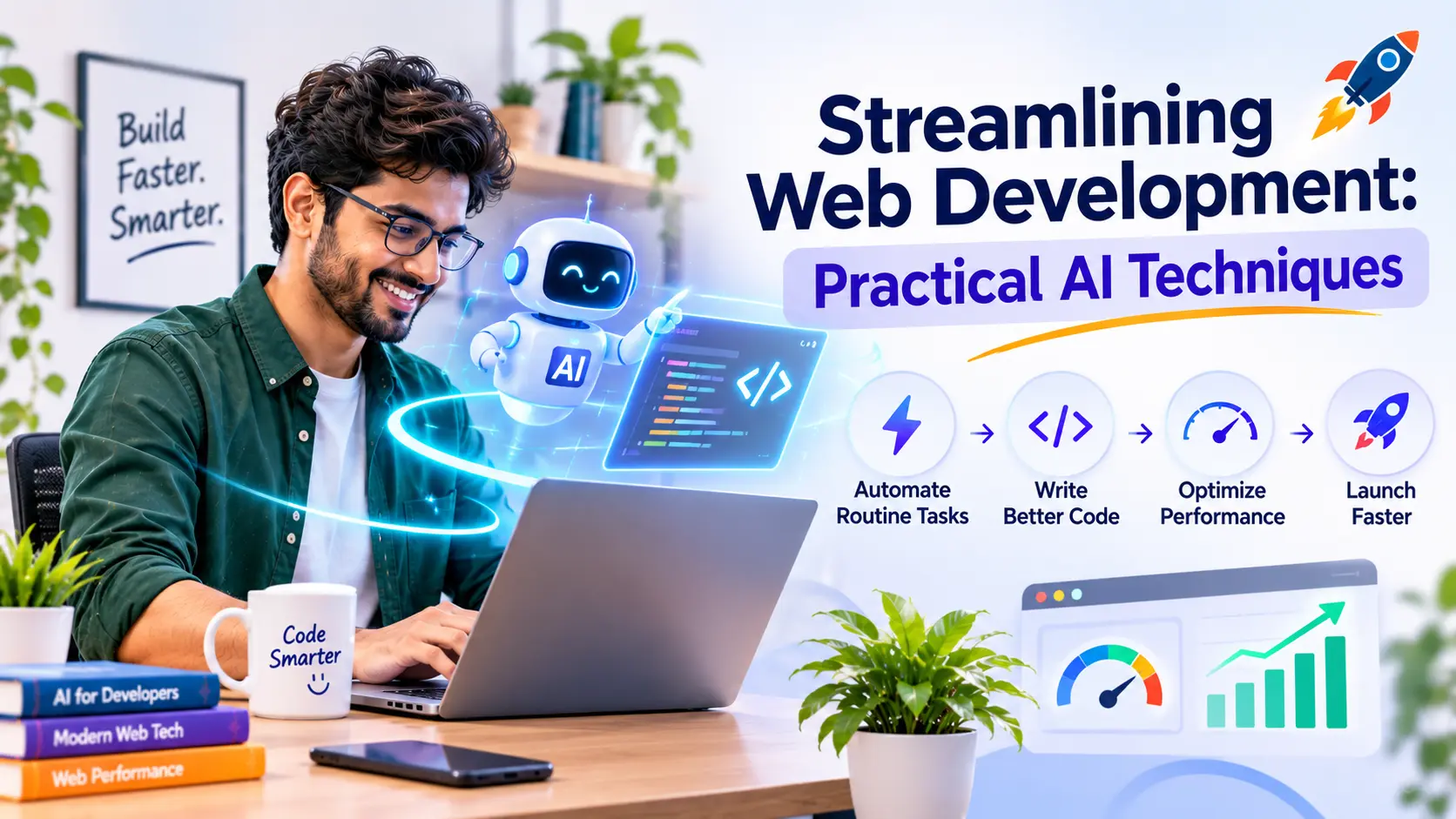
Streamlining Web Development: Practical AI Techniques

4 November 2026Read Time: 5 min
Streamlining Web Development: Practical AI Techniques

Discover practical AI techniques to accelerate web development, improve performance, and empower teams with smarter tooling and smarter workflows.

Streamlining Web Development with AI: Practical Techniques\n\nWeb development today is a team sport. AI can help you craft faster, more maintainable code, and deliver better user experiences. This article shares practical approaches tailored for Indian businesses, focusing on incremental improvements that deliver real value without overhauling your entire stack.\n\n### Start with clear goals and quick wins\n\nBefore you introduce AI tools, define measurable goals. Do you want faster feature delivery, fewer bugs, or better accessibility? Pick one or two priorities for the next quarter. Then target small, repeatable wins: automated code checks, AI-assisted code reviews, and template-driven scaffolding. These quick wins build confidence and momentum across the team.\n\n### Integrate AI into the CI/CD pipeline\n\nAutomation becomes powerful when it runs consistently. Consider integrating AI-assisted linting, code completion, and anomaly detection into your Continuous Integration/Continuous Deployment (CI/CD) workflow. Tools that suggest refactors, catch anti-patterns, or flag performance bottlenecks during build can save hours in later stages.\n\n### Leverage AI for smarter testing\n\nTesting is where AI adds real value. Use predictive test selection to run only the tests most likely to fail after a change. Employ AI-powered visual regression testing to catch UI drift across browsers. Combine this with property-based testing to explore edge cases that humans might miss.\n\n### Adopt component-driven development with AI helpers\n\nA modern web app relies on reusable components. AI can propose generic component patterns, enforce consistent styling, and generate prop types or documentation. Start by generating boilerplate components for common UI patterns, then gradually introduce AI suggestions for accessibility considerations, keyboard navigation, and responsive behavior.\n\n### Performance tuning with AI insights\n\nPerformance is a feature. Use AI to profile frontend and backend performance and suggest targeted optimizations. For frontend, AI can identify render-blocking resources, unused CSS, and image optimization opportunities. For backend, it can highlight slow endpoints, database query patterns, and cache opportunities.\n\n### Accessibility should be part of the design process\n\nAI can help you flag accessibility issues early. Integrate automated checks for color contrast, focus management, and ARIA roles into your build. Ensure the team reviews accessibility issues as part of every pull request, not as a separate task.\n\n### AI-assisted code reviews and collaboration\n\nCode reviews can be time-consuming. AI can provide initial review comments, detect potential security issues, and suggest more readable variable names or simpler logic. Human review remains essential, but AI can handle repetitive, low-risk concerns, freeing engineers to focus on architecture and UX.\n\n### Practical takeaways for Indian businesses\n\n- Start with one AI-assisted tool in the CI pipeline and measure impact over 6–8 weeks.\n- Use AI to standardize components, reducing decision fatigue for developers.\n- Prioritize accessibility and performance from the outset; AI can help you bake these in by default.\n- Combine AI tooling with strong code reviews and pair programming to maintain quality.\n\n## Case study: A mid-sized e-commerce site\n\nA Mumbai-based retailer implemented AI-assisted code completion and automated tests. Within two sprints, developers reported 20% faster feature delivery, fewer regressions, and clearer documentation. The team started by standardizing components and gradually expanded AI usage to performance profiling and accessibility checks. The result was a smoother release cadence and happier customers.\n\n### How to get started today\n\n1. Map your current bottlenecks: review deployment times, bug rates, and test coverage.\n2. Pick one AI tool for code quality and one for testing.\n3. Set up dashboards to monitor impact: cycle time, defect escape rate, and performance metrics.\n4. Establish a weekly learning slot where developers share tips and findings.\n5. Review progress every quarter and adjust goals.\n\n### Common pitfalls to avoid\n\n- Over-reliance on generated code without understanding its implications.\n- Creating a tool stack that is too complex to maintain.\n- Ignoring security and privacy considerations when using AI services.\n- Failing to measure impact, leading to tool sprawl.\n\n## Closing thoughts\n\nAI is a force multiplier for web development when used thoughtfully. Start small, measure outcomes, and expand as your team gains confidence. With practical integration into the development lifecycle, AI can help you build faster, more reliable, and accessible web experiences for your customers.\n